By Waheed Qureshi · Last updated: October 2026
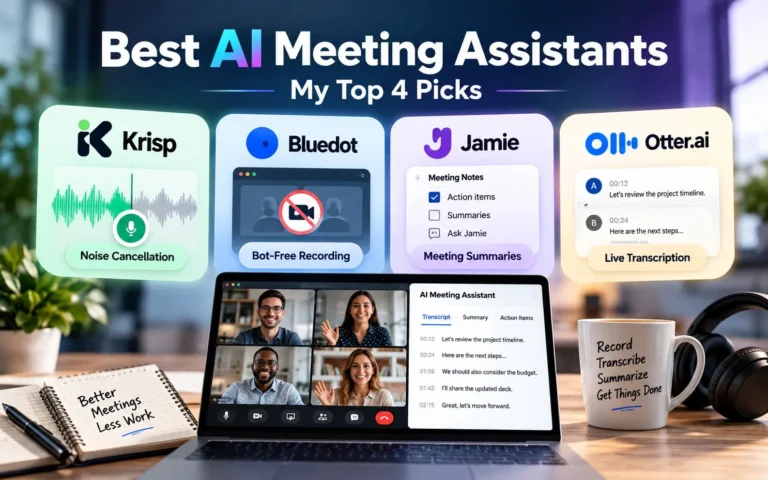
Short answer: Krisp for noisy rooms, Bluedot for bot-free recording, Jamie for meeting summaries, and Otter for live transcripts and search.
Taking notes while someone drops a deadline mid-sentence? Been there. AI meeting assistants record, transcribe, and summarize so you can actually listen. They don’t all solve the same problem, though, so I tested four: Krisp, Bluedot, Jamie, and Otter.ai.
The 4 Best AI Meeting Assistants at a Glance
| AI Tool | Best For | Standout Feature | Free Option |
|---|---|---|---|
| Krisp AI | Noisy workspaces | AI noise cancellation | 7-day free trial |
| Bluedot AI | Bot-free recording | Recording without a visible meeting bot | 5 lifetime meetings |
| Jamie AI | Meeting summaries | Action items and Ask Jamie | 10 AI notes/month |
| Otter.ai | Live transcription | Searchable transcripts and AI chat | 300 minutes/month |
My tests used different setups, so this isn’t a scientific ranking. It’s a guide to which tool fits which problem.
How I Evaluated These AI Meeting Assistants
This comparison draws on my four hands-on reviews, official pricing pages, and G2 user feedback.
I focused on practical questions: How easy is setup? Can the software identify speakers? Does it capture useful action items? What happens when audio quality isn’t ideal? I also looked at pricing, integrations, recording methods, and limitations. I wanted to know which tool handles everyday meeting problems.
1. Krisp AI: Best for Noise Cancellation
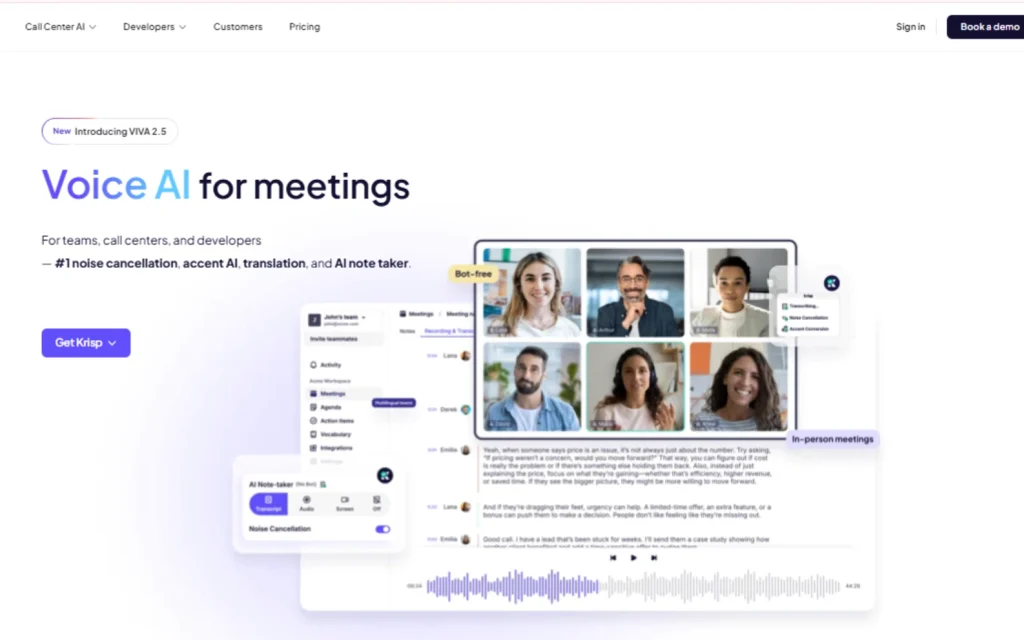
Krisp is an AI meeting assistant built around clear communication. Its features include background noise cancellation, transcription, and AI-generated meeting notes. If your home office isn’t quiet, that’s the pitch.
What Makes Krisp Different?
Krisp tackles the audio problem before it becomes a transcription problem. In my test, I recorded the same scripted speech under noisy conditions with two microphone positions. With the laptop farther away, the transcript contained seven errors. Moving the microphone closer reduced that count to one minor error.
Takeaway: in my test, noise cancellation couldn’t make up for a distant mic.
Krisp’s AI note-taker also identified nine action items from the test recording. However, it didn’t attach assignees or deadlines to those tasks. On G2, users frequently praise Krisp’s noise cancellation, while some report transcription problems. That fits what I saw when the mic was far away.
Krisp Pros and Cons
Pros
- Useful background noise cancellation.
- Detailed AI-generated action items.
- Bot-free by default (a bot is optional).
- Participant notification and consent settings.
Cons
- Initial setup took longer than some alternatives.
- Microphone distance affected transcription.
- Action items lacked ownership and due dates in my test.
G2 rating: 4.7/5 from about 1,600 reviews.
Pricing: Core costs $8 per user/month billed annually ($16 month-to-month). My account included a 7-day free trial.
Verdict: Krisp is a strong option for professionals working from noisy home offices or shared spaces.
Read my complete Krisp AI review for the recording tests and detailed findings.
2. Bluedot AI: Best for Bot-Free Meeting Recording
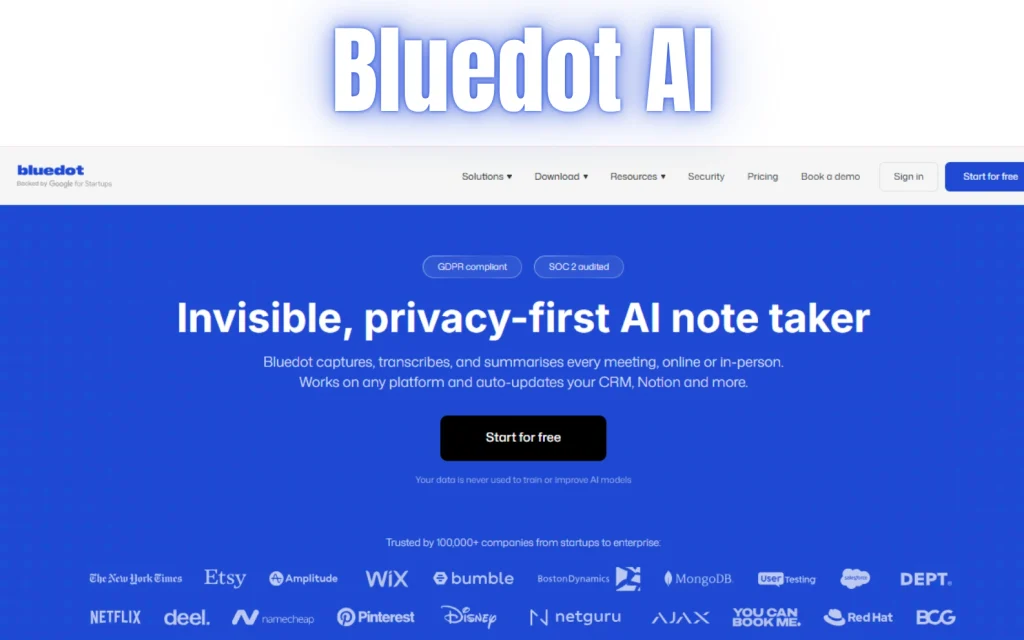
Nobody enjoys introducing a client to an unexpected guest named “Meeting Notetaker Bot.”
Bluedot approaches this problem differently. It can record meetings through a browser extension without adding a visible participant. The software also offers transcription, meeting summaries, and AI chat.
What Did I Find During Testing?
During my 14-minute Google Meet test, Bluedot recorded the meeting without a visible bot joining. Its AI chat identified relevant discussion points and action items from the recording. The transcript remained readable with multiple speakers and background noise.
However, I didn’t calculate a word-for-word accuracy percentage. That’s worth remembering. A readable transcript isn’t necessarily a flawless one.
Bluedot Pros and Cons
Pros
- Bot-free browser recording.
- Straightforward setup.
- Useful AI chat responses.
- Private-by-default recording controls.
Cons
- Transcript processing wasn’t instant.
- Free allowance covers only five lifetime meetings.
- I didn’t test advanced business integrations.
G2 rating: 4.8/5 from 223 reviews.
Pricing: Bluedot Basic costs $18 per user/month, or $14 with annual billing.
Verdict: Bluedot makes sense for consultants, freelancers, and teams that prefer recording without a visible meeting bot.
Explore my Bluedot AI hands-on review for the complete experience.
3. Jamie AI: Best for Meeting Notes and Summaries
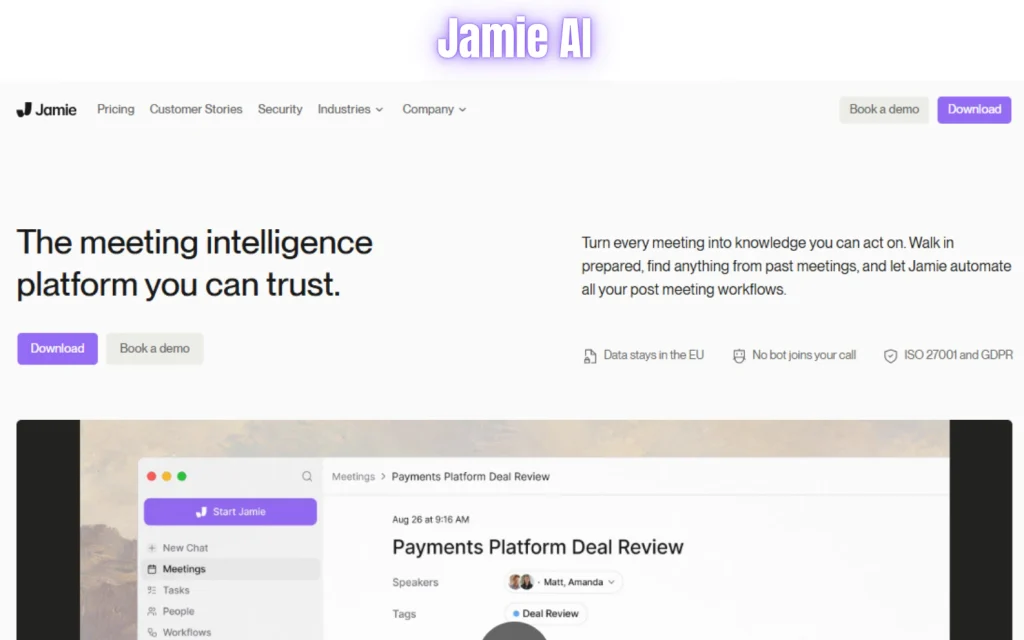
Jamie focuses on making meeting information easier to capture and retrieve. Instead of appearing as a participant in your video call, Jamie records audio through your device. It then generates transcripts, summaries, and action items. Its Ask Jamie feature lets you ask questions about previous conversations.
How Did Jamie Perform?
I recorded a short prepared speech and evaluated the resulting transcript. Jamie captured most of the speech correctly but confused “Jimmy AI” with “Gemini AI.” During a separate multi-speaker test, Jamie identified speakers successfully. Its summaries and action items reflected the recorded discussion. When I asked about tasks and deadlines, Ask Jamie returned relevant details.
The results were encouraging, although my short recording doesn’t establish how accurately Jamie handles every accent, language, or lengthy meeting.
Jamie’s Pros and Cons
Pros
- Simple installation and recording workflow.
- Bot-free meeting capture.
- Useful summaries and task identification.
- Ask Jamie to retrieve meeting information.
Cons
- Occasional word-recognition mistakes.
- The free plan limits meeting duration and usage.
- Paid plans may be expensive for occasional users.
Pricing: Jamie’s free plan includes 10 AI notes monthly, with a 30-minute meeting limit. Plus starts at €21/month when billed annually (€25 month-to-month).
Verdict: Jamie suits professionals who prioritize organized meeting notes and quick access to decisions.
See my Jamie AI review for detailed transcription and speaker-identification findings.
4. Otter.ai: Best for Live Meeting Transcription
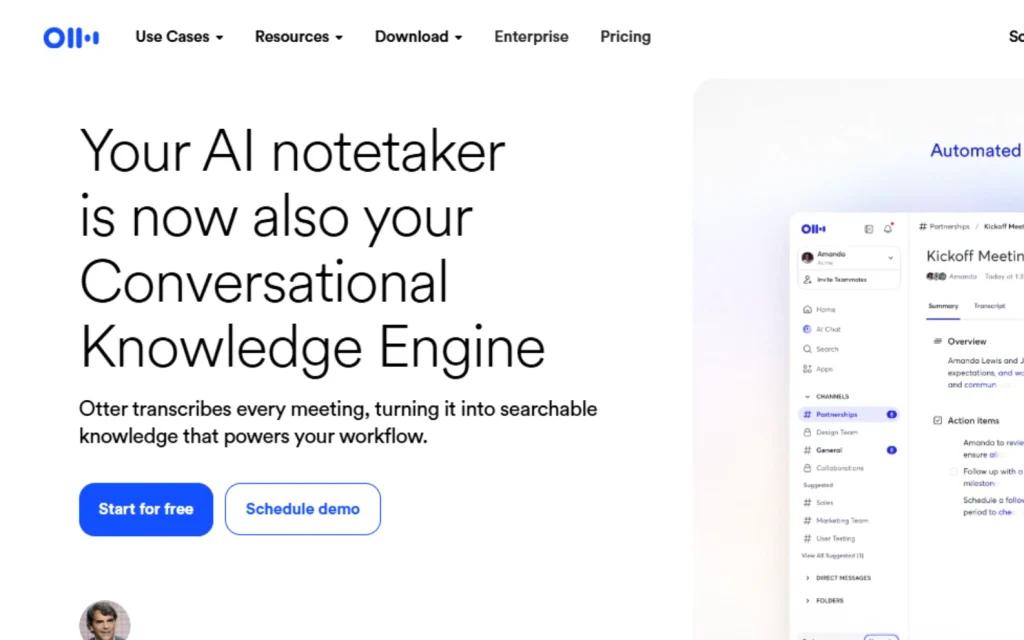
Otter.ai is a transcription-focused AI meeting assistant designed to turn conversations into searchable information. It supports live transcription, speaker identification, meeting summaries, and AI chat. Otter also connects with Zoom, Google Meet, and Microsoft Teams.
Where Does Otter Stand Out?
Otter’s main advantage is its transcript-centered workflow. You can revisit conversations, search for information, and ask AI Chat questions about meeting content. This makes it useful for interviews, recurring team meetings, and discussions where exact wording matters.
However, transcription isn’t automatically perfect. Some G2 reviewers report mistakes involving accents, technical vocabulary, and overlapping speakers. Always review names, figures, and deadlines before sharing important meeting notes.
Otter Pros and Cons
Pros
- Live transcription.
- Searchable meeting history.
- Speaker identification.
- Integrations with major meeting platforms.
Cons
- Technical terms and accents can cause errors.
- Speaker labels may require correction.
- Free usage has restrictions.
G2 rating: 4.4/5 from about 500 reviews.
Pricing: The Basic plan includes 300 monthly transcription minutes. Pro costs $16.99 per user/month with monthly billing.
Verdict: Otter is a practical choice for users who need searchable transcripts and meeting records.
Read my detailed Otter AI review for additional findings.
What These AI Meeting Assistants Promise vs. What They Deliver
Every landing page promises effortless notes. Here’s what happened when I actually used them.
| Tool | What It Promises | What I Found |
|---|---|---|
| Krisp | Clear calls and useful AI notes | Better transcription with a nearby microphone; action items lacked deadlines |
| Bluedot | Bot-free recording and smart summaries | No visible bot appeared; AI Chat identified meeting details. |
| Jamie | Accurate notes and easy meeting recall | Useful summaries and speaker recognition, with a noticeable transcription error |
| Otter | Live transcription and searchable conversations | Searchable transcription tools; accuracy can suffer with noise and complex speech |
Short version: they save time, but read the notes before you share them.
Feature-by-Feature Comparison
| Feature | Recommended Tool | Key Details |
|---|---|---|
| Noise cancellation | Krisp | Reduces distracting background sounds |
| Bot-free recording | Bluedot, Jamie, Krisp | Recording options without a visible meeting bot |
| Live transcription | Otter | Real-time transcripts and searchable records |
| Meeting summaries | All four | AI notes and summaries, with different formats |
| Integrations | All four | Meeting platforms and productivity tools; plan restrictions apply |
| Privacy | Depends on settings | Consent, notifications, sharing, and retention need review. |
Privacy: Krisp can post a recording notice in the meeting chat through its Privacy & Consent settings. Bluedot saves recordings as private by default. Recording laws vary by country and state, so check the rules that apply to your meetings.
AI Meeting Assistant Pricing: Which Offers Better Value?
Cheaper isn’t always better: a free plan that ends after five meetings works very differently from one that resets monthly.
| Tool | Free Option | Monthly Billing | Annual Billing |
|---|---|---|---|
| Krisp Core | 7-day trial | $16/user/mo | $8/user/mo |
| Bluedot Basic | 5 lifetime meetings | $18/user/mo | $14/user/mo |
| Jamie Plus | 10 AI notes/month (30-minute cap) | €25/mo | €21/mo |
| Otter Pro | 300 min/month (30-minute cap per conversation) | $16.99/user/mo | $8.33/user/mo |
Annual figures represent monthly equivalents when paying annually. Jamie’s prices are in euros.
Entry paid plans have different limits. Bluedot Basic is audio-only with a one-hour recording cap, Jamie Plus covers 20 AI notes monthly, and Otter Pro offers 1,200 monthly recording minutes. Don’t compare prices in isolation.
Which AI Meeting Assistant Should You Choose?
Your work environment and meeting habits should guide your decision.
- Working from a café or noisy home office → Krisp
- Client calls where a visible bot would be awkward → Bluedot
- Want organized summaries and action items → Jamie
- Interviews, recurring meetings, searchable transcripts → Otter
For students and occasional users, Otter’s monthly free allowance may be more practical than Bluedot’s five-meeting lifetime limit. Just note that Otter’s free plan caps each conversation at 30 minutes.
Frequently Asked Questions
What is the best AI meeting assistant?
There isn’t one universal winner. Krisp is particularly useful for noise cancellation, Bluedot for bot-free recording, Jamie for meeting summaries, and Otter for live transcription.
Can AI meeting assistants take notes automatically?
Yes. These tools generate transcripts, summaries, and action items. However, review the output for mistakes before sharing important information.
Which AI meeting assistants have free plans?
Bluedot (5 lifetime meetings), Jamie (10 AI notes/month), and Otter (300 minutes/month) have ongoing free plans. Krisp offers a 7-day trial instead.
Are AI meeting assistants accurate?
Accuracy depends on microphone quality, background noise, speech patterns, and the software itself. No tool produces error-free transcripts in every situation.
Can I record meetings without a bot?
Yes. Bluedot and Jamie support bot-free recording, while Krisp also offers bot-free recording methods. You still need appropriate participant consent.
Final Verdict
Pick the tool that fixes your biggest meeting headache, not the one with the longest feature list. Krisp is worth considering for clearer calls. Bluedot offers a discreet recording workflow. Jamie focuses on useful meeting notes, while Otter makes conversations easier to transcribe and search. Test its free plan or trial first, and review the results before you pay.
AI can handle much of the note-taking. You still need to make the decisions.
Sources
Official pricing and product information