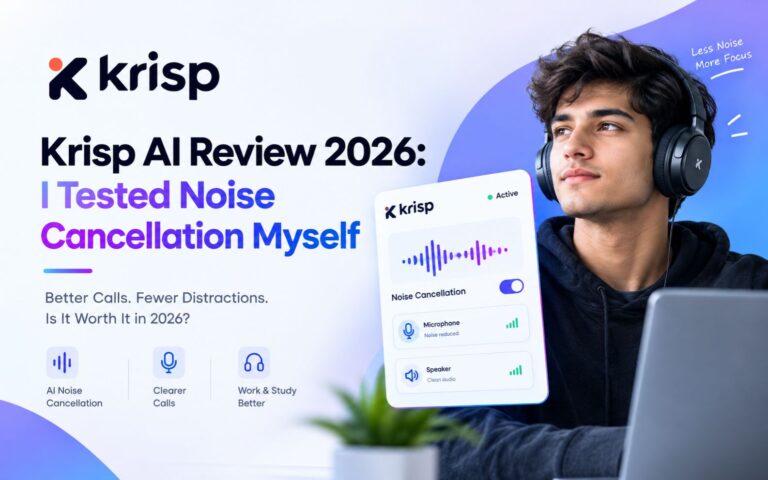
Background noise ruining your calls? That’s exactly the problem Krisp AI claims to fix. I didn’t just read the feature list—I actually signed up, recorded real conversations, and compared what I said against what the transcript showed. Here’s what actually happened in my Krisp AI review.
Quick Verdict: Krisp AI’s noise cancellation genuinely works—but only if your mic is reasonably close to you. Setup takes a bit longer than some competitors, and the AI note-taker impressed me more than I expected. Starting price: Core plan at $8/user/month.
What Is Krisp AI?
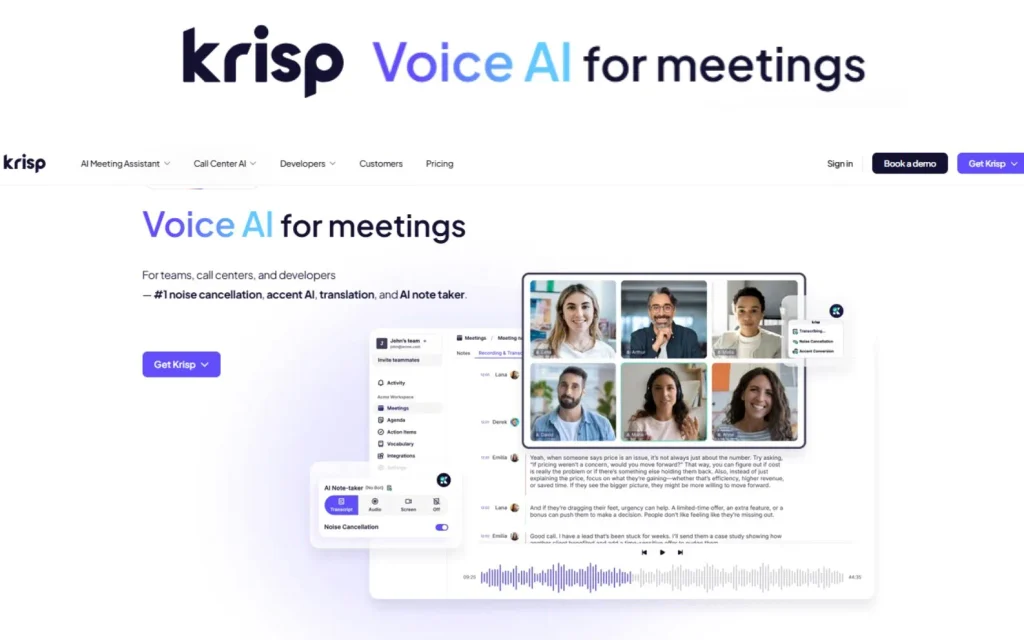
Krisp AI is a meeting assistant built around three things: noise cancellation, live transcription, and AI-generated meeting notes. It works across video calls, WhatsApp calls, and even in-person conversations through its mobile and desktop apps.
Unlike some tools in this space, Krisp didn’t start as a notetaker—it started as a noise-cancellation company. That history shows up in how the product is structured, with audio quality treated as a first-class feature, not an afterthought.
How I Tested It
I signed up using Google (it also offers Microsoft and Apple login). After signing in, the app downloaded in a few seconds—simple enough.
Then came a second signup step, and this one took longer: about five to eight minutes to get everything configured. Compared to Otter AI and Jamie AI, which I’ve also tested, Krisp’s initial setup took noticeably more time.
During onboarding, I was asked to choose between Noise Cancellation, Conversation AI, and AI Note-Taker. I selected all three, picked a language, and moved on to the dashboard.
Krisp AI Noise Cancellation Test
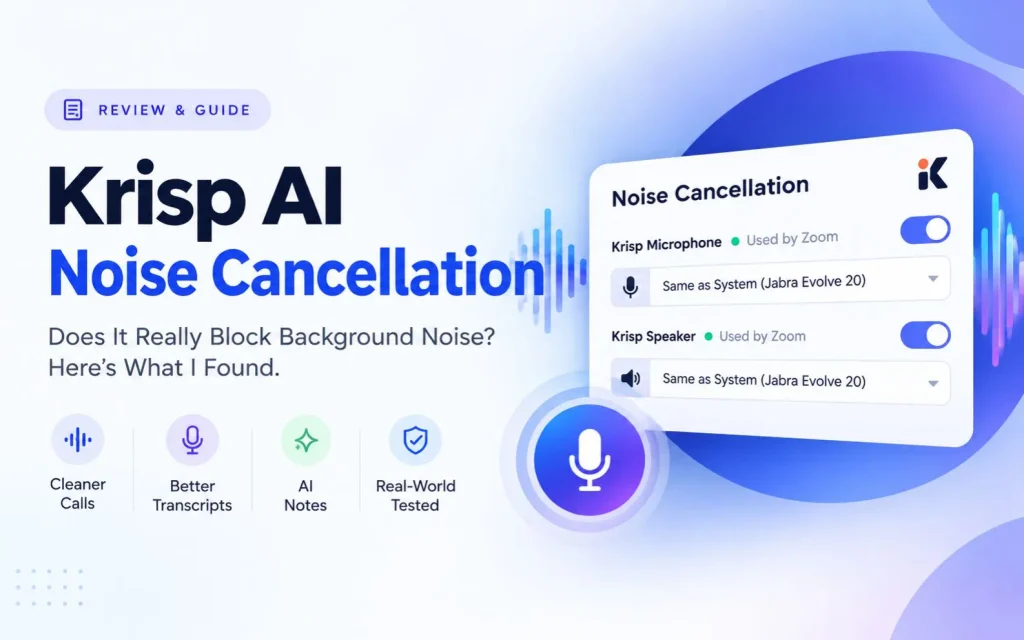
This is where things got interesting—and where I ran two separate tests to be fair about it.
The Quick Check
Before testing noise conditions, I ran a simple check: a normal-speed recording in a quiet setting while reconciling an invoice. The transcription came out completely accurate. Good baseline.
Test 1: Background Noise, Mic at a Distance
Next, I recorded a scripted test—normal speech, fast speech, technical terms, and numbers—with background noise in the room and my laptop sitting a few feet away.
The results weren’t great. The transcript invented a name that was never said, turned “3:45 PM” into “06:45 PM,” dropped words, and even missed the opening sentence entirely. Seven separate errors in total.
Test 2: Same Noise, Mic Moved Closer
So I ran the exact same script again, same background noise, but this time with the laptop close to me instead of across the room.
The difference was dramatic. Only one minor error this time (“SEO strategy” became “issue strategy”)—everything else, including the time and the dropped words from before, came through correctly.
What this tells us: the noise cancellation itself was doing its job in both tests. The real issue in Test 1 was mic distance, not Krisp’s noise-filtering technology. That’s a useful distinction most reviews don’t bother making.
Krisp AI Note-Taker: Does It Actually Help?
After the Test 2 recording, I opened the AI Notetaker and asked it directly, “Summarize this meeting and list the key points and action items.”
It delivered. Every key point from the script was captured correctly, and it broke the meeting down into nine specific action items—not one vague summary line, but actual separate tasks, including smaller sub-items like “optimize meta tags” and “implement schema markup.”
One honest limitation: none of those action items had assignees or due dates attached, even though the recording mentioned specific deadlines. To Krisp’s credit, the tool itself flagged this limitation rather than me having to notice it on my own.
Does Krisp AI Use a Bot?
Short answer: not unless you ask it to.
I tested this two ways. In “Take Notes” mode (for in-person conversations), there’s no bot concept at all—it’s just your mic recording directly. On a WhatsApp video call, Krisp’s floating widget detected the call and started capturing within seconds automatically, but no visible bot joined as a participant.
Checking the privacy settings confirmed this further: Krisp does offer an optional “Record with Bot” feature, where you invite assistant@krisp.ai to a calendar meeting and the bot joins as a visible participant. But that’s opt-in—it doesn’t happen unless you set it up yourself.
Krisp AI Privacy & Consent Settings
This section genuinely surprised me in a good way.
By default, Krisp has “Notify others you’re using Krisp” turned on. That means it automatically posts a message in the meeting chat—something like “Hi. This meeting is being recorded and processed by Krisp AI for notes and insights—or plays a short audio prompt if chat isn’t available.
There’s also a “Zoom consent badge” option (off by default) that shows a visible “Note-taking via Krisp” badge next to your name and an auto-delete setting for meetings after a set period.
For a tool handling recorded conversations, defaulting to transparency rather than silence is a point in Krisp’s favor.
Krisp AI Interface: Easy to Use?
Once past the longer setup, the day-to-day interface is straightforward. The dashboard, “New” button, and Take Notes flow are all easy to find. The learning curve is mostly front-loaded into that initial signup process.
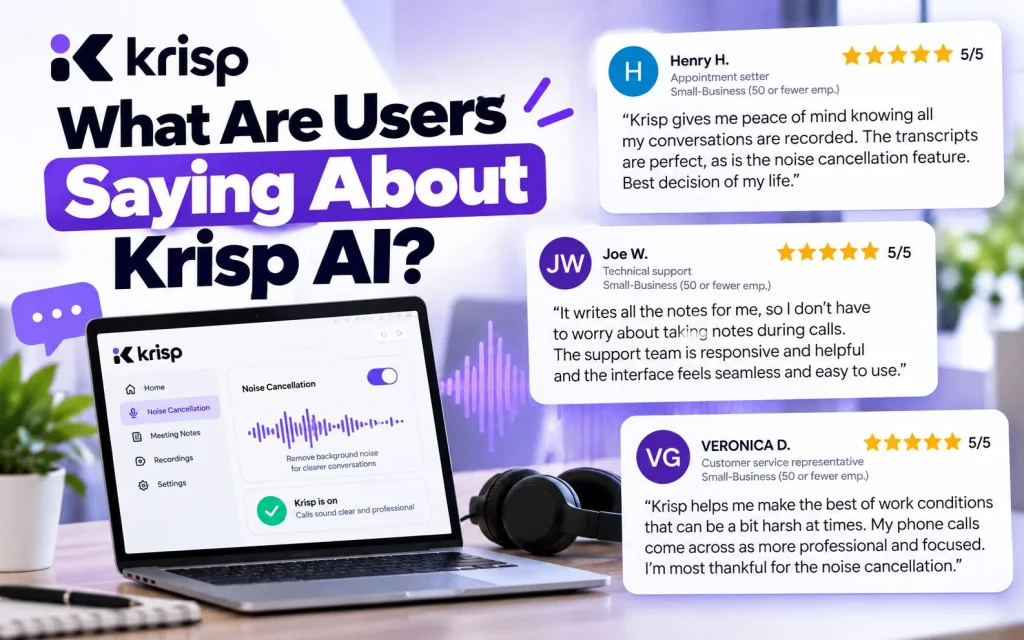
What Are Users Saying About Krisp AI?
My hands-on testing only shows how Krisp performed for me, so I also checked what real users are saying on G2. Krisp currently has a 4.7/5 rating from more than 1,600 reviews on G2. Users frequently praise its noise cancellation, ease of use, and meeting transcription, although some reviews mention issues such as occasional audio problems, transcription errors, and pricing concerns.
Krisp AI Pricing (2026)
Here’s what I saw on the pricing page during testing:
| Plan | Price | Best For | Key Features |
|---|---|---|---|
| Core | $8/user/month | Individuals & small teams | Unlimited AI note-taker, unlimited noise cancellation, mobile app, multilingual transcript |
| Advanced | $15/user/month | Teams needing admin/compliance | Everything in Core, plus accent conversion, advanced integrations, and manager view |
| Enterprise | Custom | Org-wide rollout | SSO/SCIM, HIPAA compliance, on-device transcription |
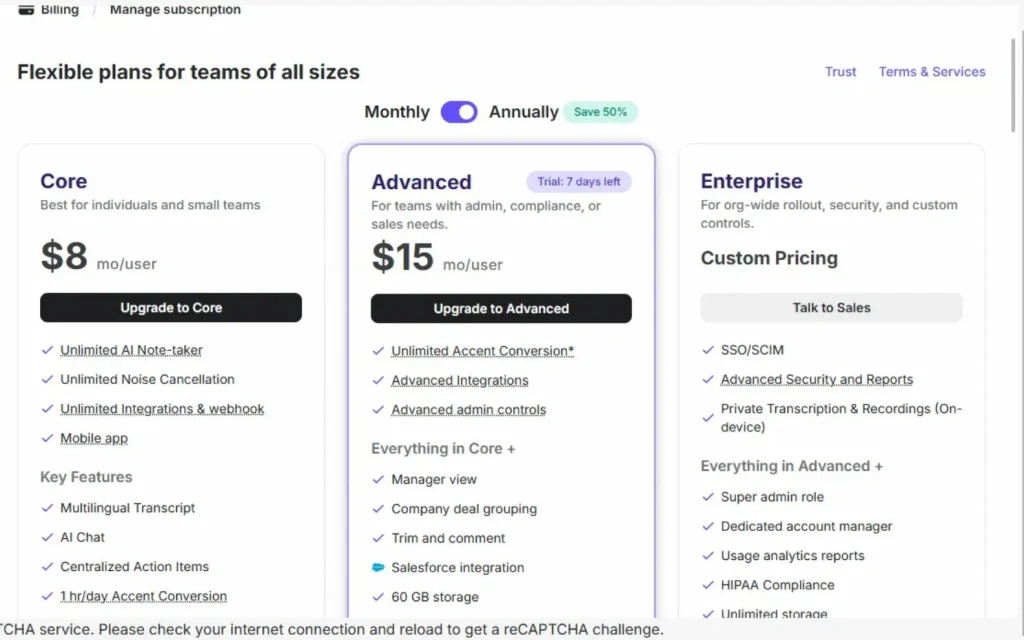
A quick note: pricing pages often toggle between monthly and annual billing, and the numbers can shift depending on which one is selected. Always check the current live pricing before making a decision.
Pros and Cons
| Pros | Cons |
|---|---|
| Noise cancellation held up well once the mic was close. | Initial signup took 5-8 minutes—slower than some competitors. |
| The AI note-taker broke tasks into specific, trackable action items. | Action items lacked assignees or due dates. |
| Transparent by default—notifications participants recording is happening | Transcription accuracy dropped noticeably with mic distance. |
| The bot is fully opt-in, not automatic. | — |
Who Should Use Krisp AI? Here’s what actually happened.
If you regularly take calls from noisy environments—co-working spaces, home offices with kids or traffic nearby—Krisp’s core strength lines up well with that problem. If your main need is pure meeting notes with minimal setup fuss, it’s worth comparing against lighter alternatives first.
Is Krisp AI Worth It?
Based on my testing, yes—with one caveat: keep your mic close. The noise cancellation and AI notes both performed well under real conditions, and the privacy defaults are genuinely considerate. If you want to see how it stacks up against bot-based note-takers, I’ve also tested Otter.ai, Jamie AI, and Bluedot AI in similar detail.
FAQ
Is Krisp AI free?
Krisp offers paid plans starting at $8/user/month (Core plan); check the current pricing page for any trial or free-tier availability.
Does Krisp AI use a bot?
Only if you set one up. By default, it records bot-free; a visible “Krisp Bot” is available but must be manually invited to a meeting.
How accurate is Krisp AI’s transcription?
In my testing, accuracy was strong when the mic was close to the speaker, even with background noise. Accuracy dropped noticeably when the mic was placed farther away.
Is Krisp AI good for noise cancellation?
Yes—in my tests, the same background noise produced far fewer transcription errors once mic distance was controlled for, suggesting the noise cancellation itself was working as intended.
Does Krisp AI tell others I’m recording?
By default, yes. It posts an automatic chat message or audio notice informing participants that the meeting is being recorded and processed by Krisp.
How does Krisp compare to Otter.ai or Jamie AI?
Krisp’s core differentiator is its noise-cancellation heritage. For a side-by-side look, see my Otter.ai review and Jamie AI review.